


Data is synced from the Chrome Web Store. View the official store page for the most current information.


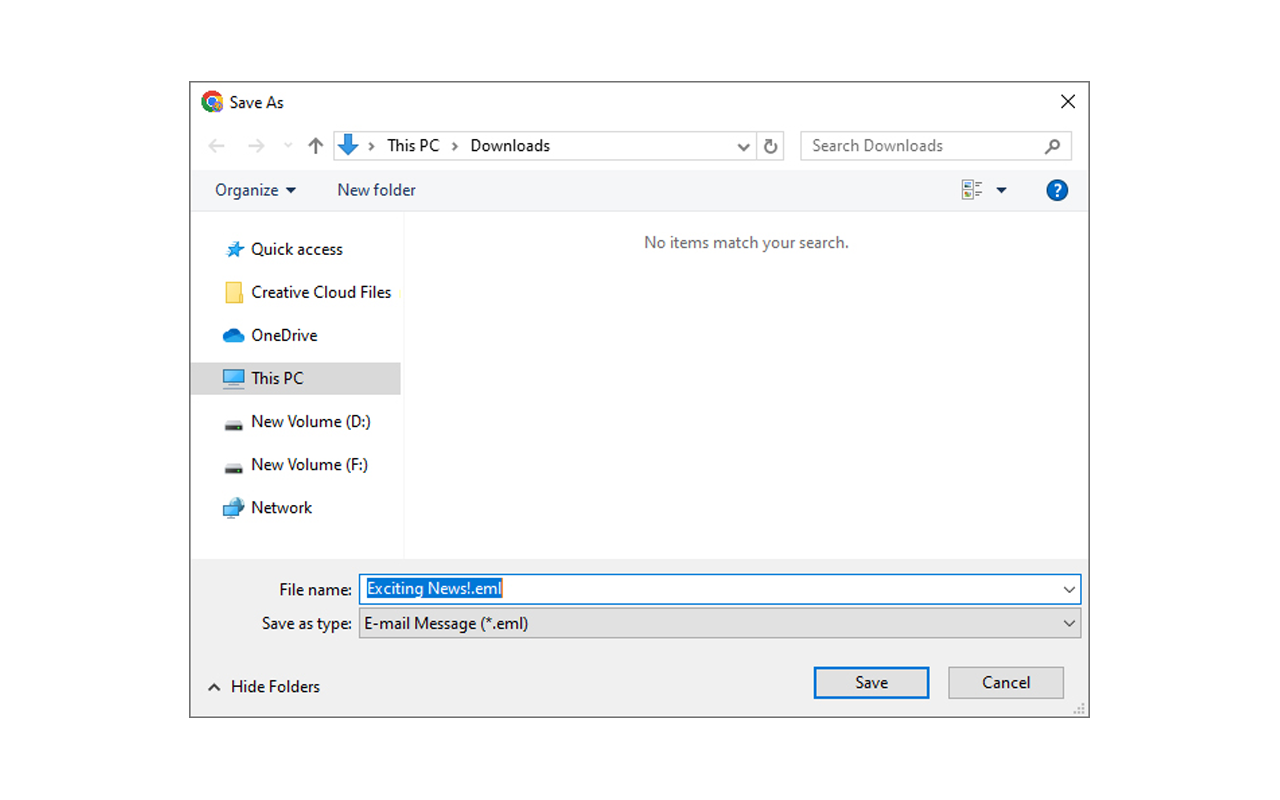

Overview: The Gmail Message Backup Tool allows users to access and save emails from their Gmail account. Emails can be stored in PDF or EML formats, allowing for data safety and long-term offline conservation. This tool offers an effective alternative to manual methods and provides selective backup.
The user must go through the time-consuming manual method, which takes a long time, to download emails. We take advantage of the tool for gmail message backups, which allows downloading of gmail emails, simplifying the whole process. The message can be stored offline for a long time due to the tool. This tool offers selective backup and data protection.
This tool provides the advanced feature to directly download the email in the system in the EML file format. You will find the downloading option in the inbox, social, and promotional folders as well as in the individual email folders, by using this automated method users can easily save all the emails in a few clicks.
You can migrate the messages along with the attachment, from a particular folder by clicking on the download option at the top right corner of the email. This will save your emails in the EML format as well as in PDF format.
Some advantages of the downloading gmail emails: ● Long-Term Storage - Backup allows storing emails for future reference. ● Data Security - It helps in the recovery of deleted email. ● Offline Access- This tool provides offline access of the message and mails.
Track and analyze Chrome Web Store extensions with comprehensive analytics and insights.

