

WebExtension.net
WebExtension.net
Toggle dark mode
WebExtension.net
WebExtension.net
Hide Tabs (Panic Button)

Hide Tabs (Panic Button)

View on Chrome Web Store
View Hide Tabs (Panic Button) Chrome Extension on Chrome Web Store
Add to bookmarks
1.8 (25 ratings)
1 new ratings
10 views
This extension has been viewed 10 times
0 downloads
This extension has been downloaded 0 times

Data is synced from the Chrome Web Store. View the official store page for the most current information.
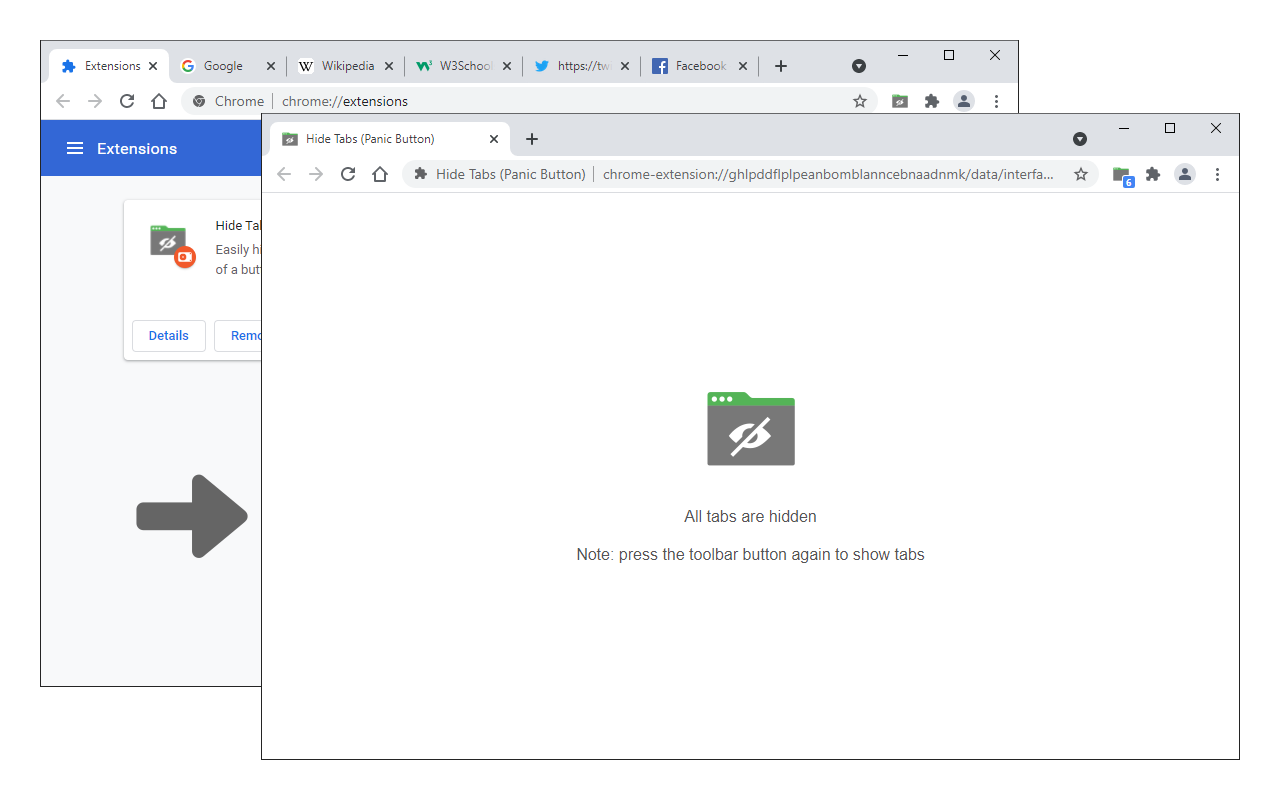
Easily hide and restore all open tabs with the click of a button!
Type
Extension
Users
8,000 users
1K
Yubi
View author page of Yubi
Published
Published on February 11, 2018
Version 0.1.6
Manifest version
3
Updated
Updated on July 8, 2025
productivity/tools
Extension Category
View on Chrome Web Store
View Hide Tabs (Panic Button) Chrome Extension on Chrome Web Store
Share This Extension
Share on Twitter
Share on Facebook
Share on LinkedIn
Share on Reddit
Share on Bluesky
Share on Pinterest
Hide Tabs (Panic Button) Chrome Extension Image 1
Hide Tabs (Panic Button) Chrome Extension Image 2

Description

Hide Tabs (Panic Button) is an extension that lets you easily hide and restore all tabs.

To hide (close) all tabs, please press the toolbar button once. Next time, when you click on the toolbar button again, all hidden tabs are restored to the previous state (session). To adjust the settings (i.e., show a blank hide tabs page, show badge icon text, etc.), please visit the options page and mark the desired item(s). Moreover, to hide and restore tabs, you can use the keyboard shortcut (Alt+Shift+A) instead of the toolbar button.

To report bugs, please fill out the bug report form on the addon's homepage (https://mybrowseraddon.com/hide-tabs.html).

© 2025 WebExtension.net. All rights reserved.
Disclaimer: WebExtension.net is not affiliated with Google or the Chrome Web Store. All product names, logos, and brands are property of their respective owners. All extension data is collected from publicly available sources.
Go to top

