


Data is synced from the Chrome Web Store. View the official store page for the most current information.
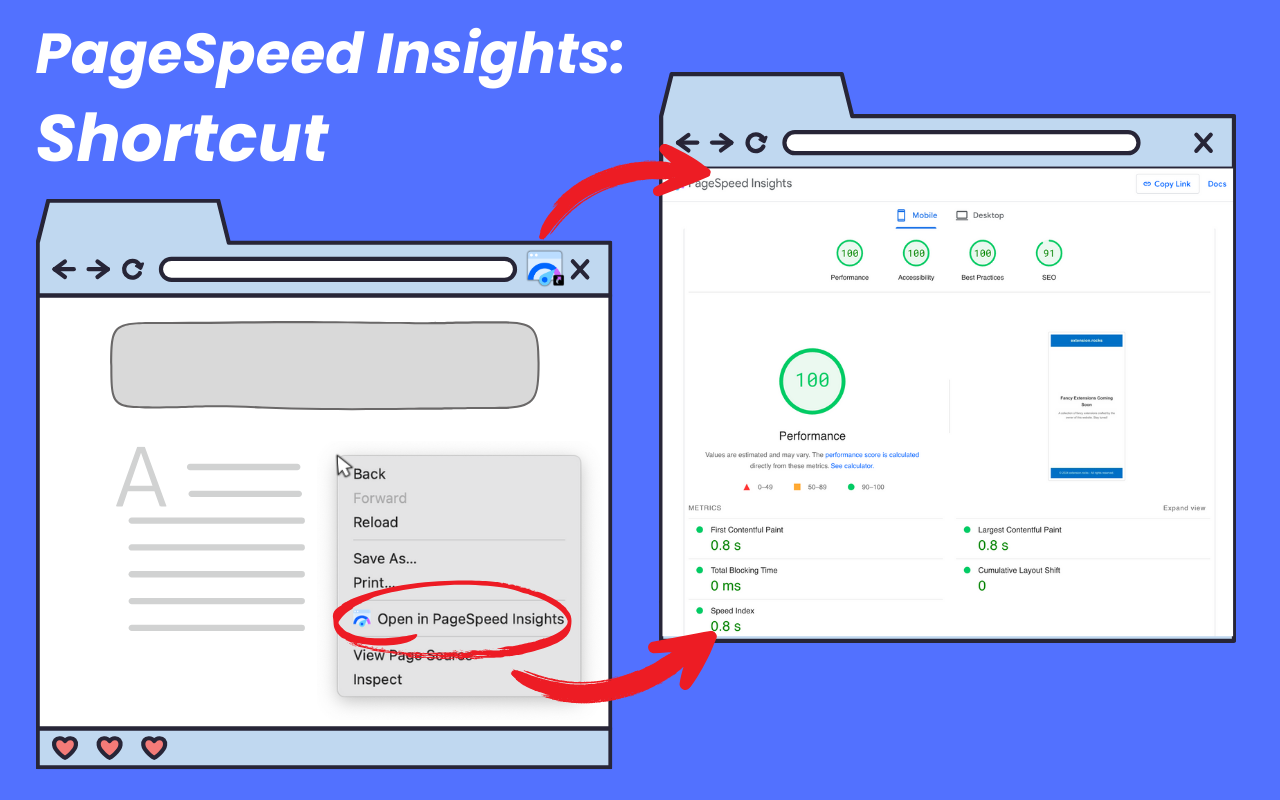


"PageSpeed Insights Shortcut & History Report Recorder" is the all-in-one extension for web developers, SEO specialists, and performance enthusiasts. Instantly analyze any webpage’s speed and performance using Google PageSpeed Insights, and now, track and review your report history with ease. Whether you're optimising Core Web Vitals, monitoring your site's performance, or analysing competitor pages, this extension is your go-to tool for desktop and mobile.
Key Features • Instant Access to PageSpeed Insights: Analyze any webpage's performance with one click. The current page URL is automatically redirected for testing, saving you time and effort. • Track Report History: All test results are securely stored locally, ensuring your data remains private and secure. View your report history directly in Chrome’s side panel. • Visualise with Line Charts: Monitor trends and improvements over time with a dynamic line chart showcasing all key metrics. • Data Table View: Access a detailed table of all stored test results for quick analysis and comparisons. • Context Menu Integration: Right-click on any webpage, frame, or selected text to instantly open Google PageSpeed Insights. • Toolbar Shortcut: Test the performance of the current page with a single click from your browser toolbar. • Lightweight and Easy to Use: No complex setups—install and start optimizing your web performance right away.
Why Choose PSI Shortcut & Tracker? • Optimize Core Web Vitals: Improve essential performance metrics for better SEO and user experience. • Monitor Desktop and Mobile Performance: Test and track results across devices for comprehensive insights. • Private and Secure: All your report history is stored locally, ensuring complete privacy.
Whether you're fine-tuning your site’s load times, monitoring performance trends, or working to improve your Core Web Vitals, PSI Shortcut & Tracker is the ultimate tool to enhance and monitor your website’s performance.
*This extension is not affiliated with or endorsed by Google LLC. Google and PageSpeed Insights are trademarks of Google LLC.
Track and analyze Chrome Web Store extensions with comprehensive analytics and insights.

